We can help you expand your horizons, learn new skills or develop in your career
How to RegisterExplore an interest.
Add a language or skill.
Get ahead at work.
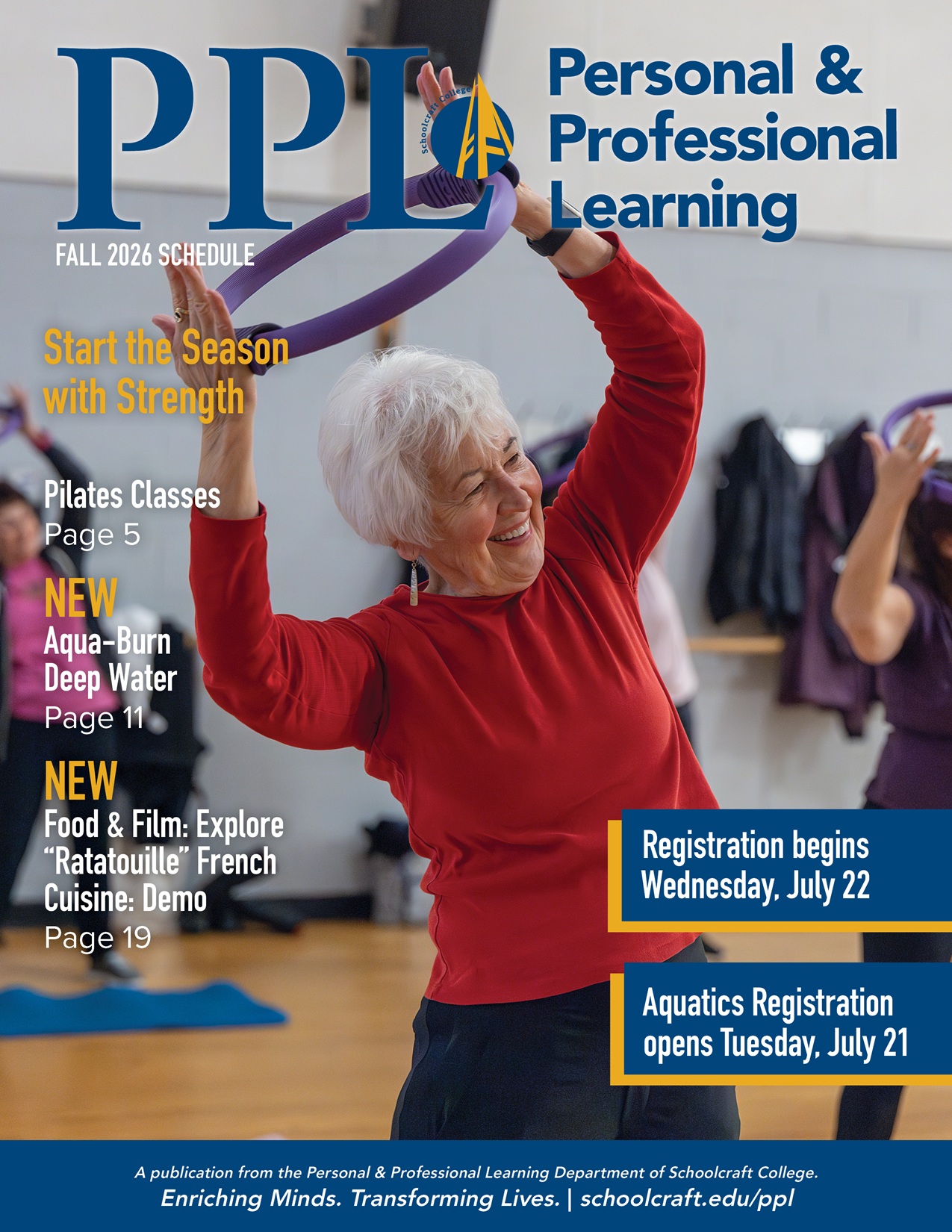
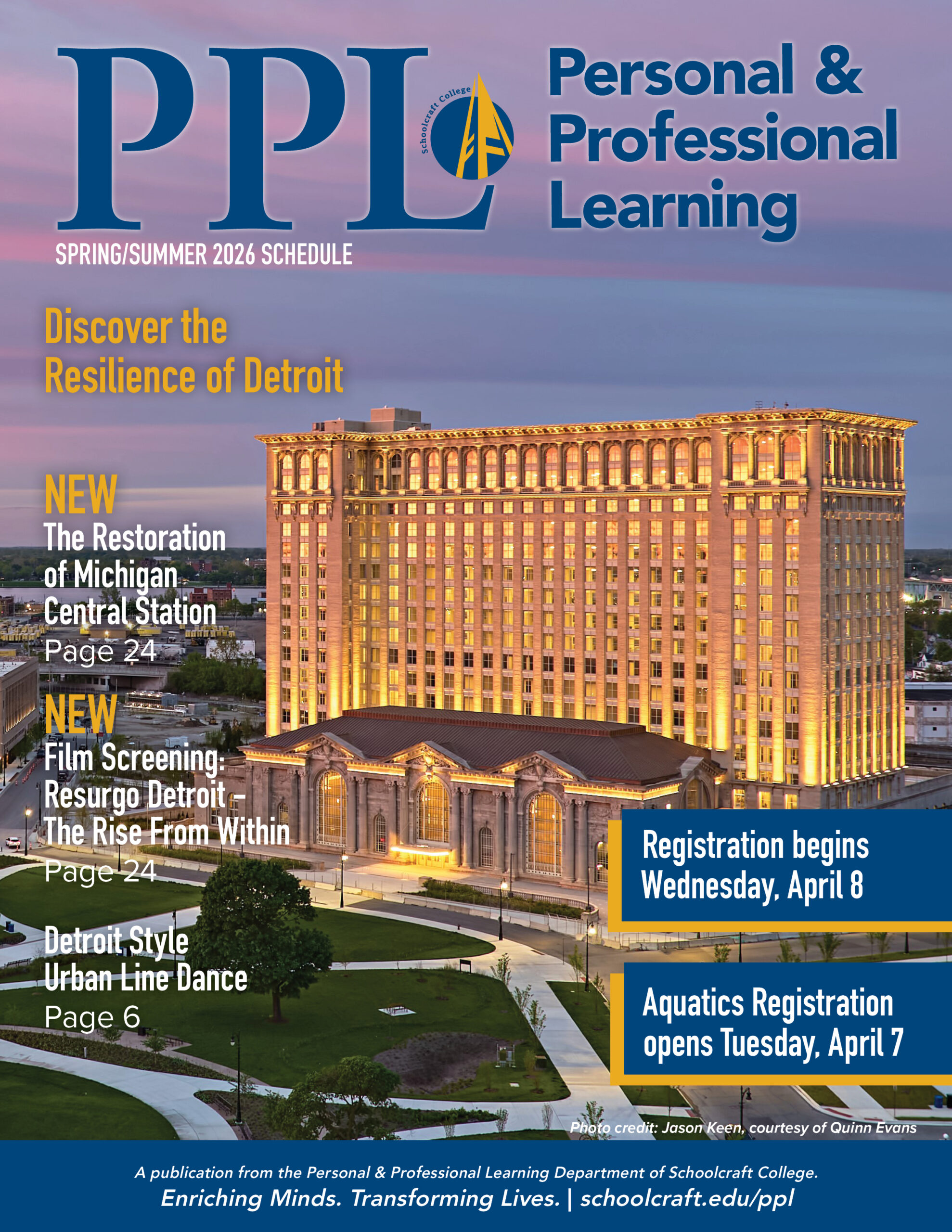
Learning is a lifelong journey. Schoolcraft College’s Personal & Professional Learning (PPL) department offers a wide variety of non-credit classes to help you bolster your career, support a hobby or just try something new.
Whether you’re interested in gaining new skills for work, learning a new language or improving your health, we can help. If you don’t have something specific in mind, just scan through our wide-ranging class offerings – we’re sure you’ll find something!
We hope to see you in person in our warm and welcoming classrooms and facilities, but if you’d rather learn from home, that’s OK, too. Many classes offer both on-site and virtual options.
It’s easy to become a PPL student, either by registering online, in person, through the mail or using our secure dropbox.
In response to COVID-19, Schoolcraft College reserves the right to change the learning modality of select PPL classes. PPL will notify the students by phone and/or email if a learning modality change is made to their class. Please direct questions to the PPL office at 734-462-4448 or [email protected].
Explore Our Many Types of Classes
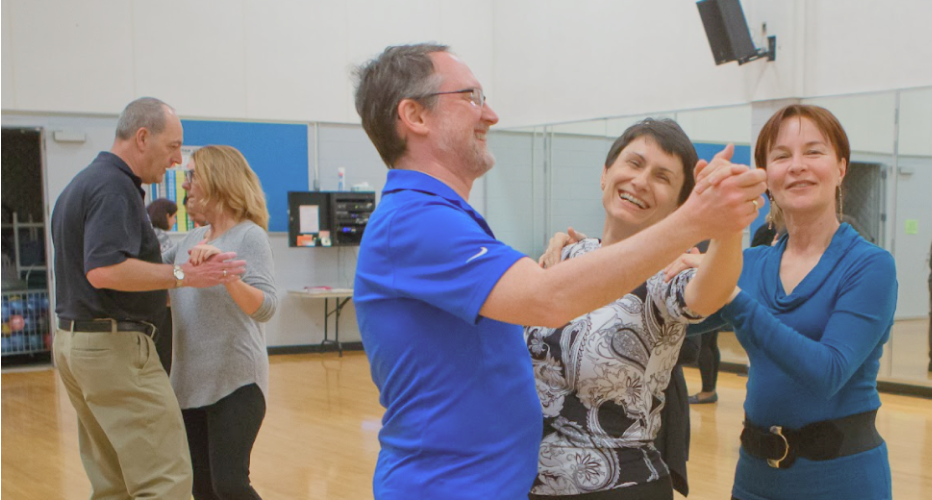
Personal Enrichment
Pursue your passions or explore an interest you’ve always been wanting to try.
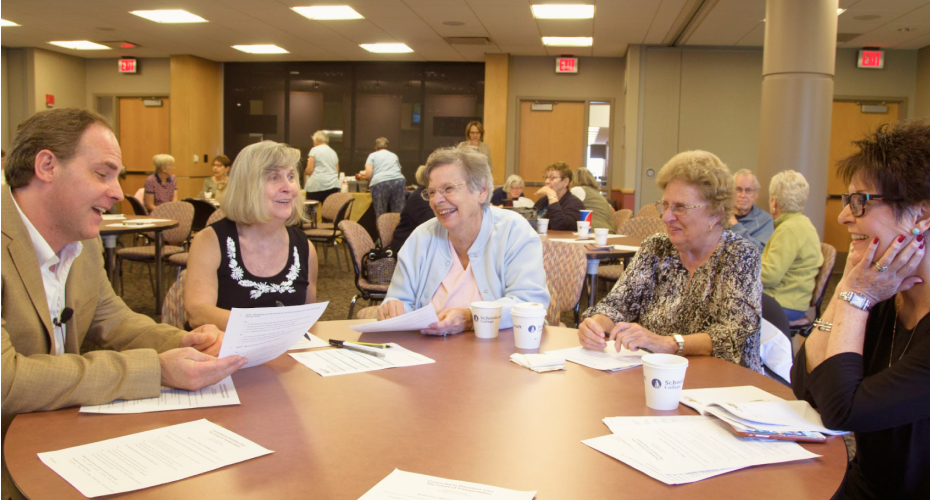
Lifelong Learning
Learn from regular guest lectures and socialize with others in community.
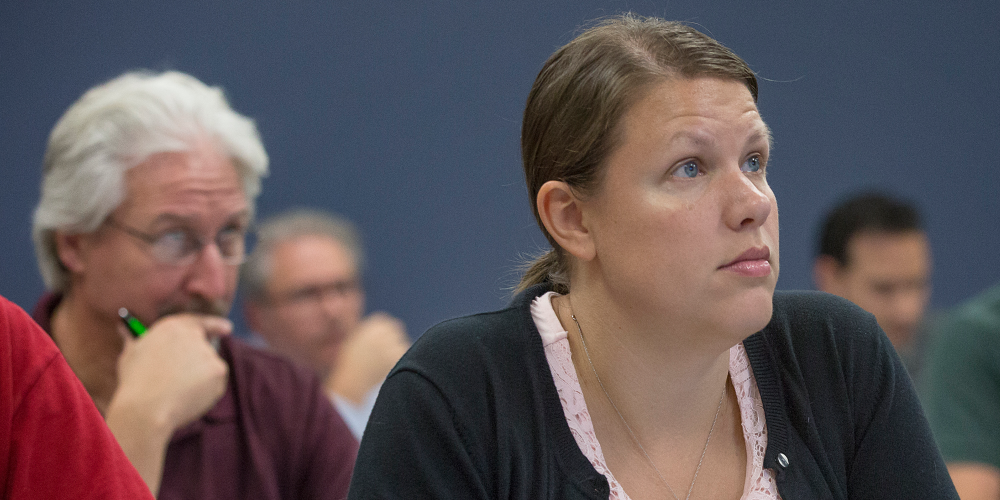
Career & Professional Development
Advance in your career, start a new profession or build a business.
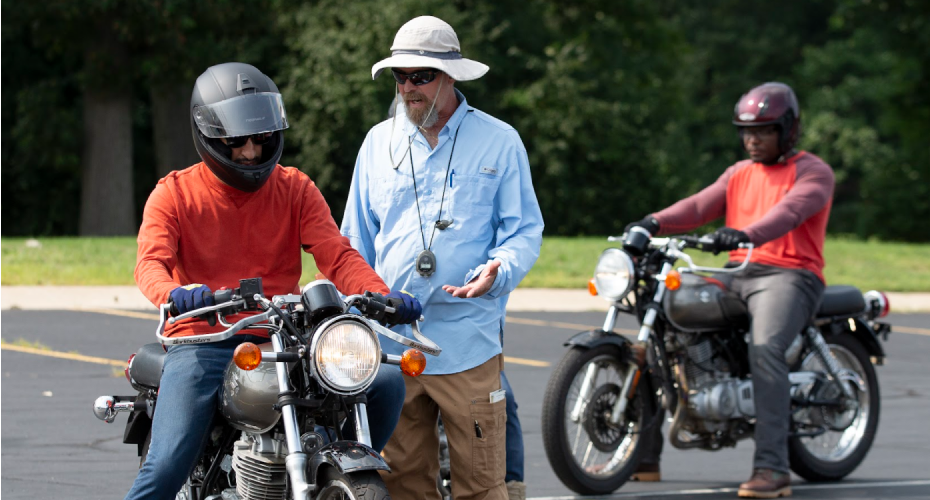
Practical Skills
Explore our skill enhancing classes and achieve personal goals.
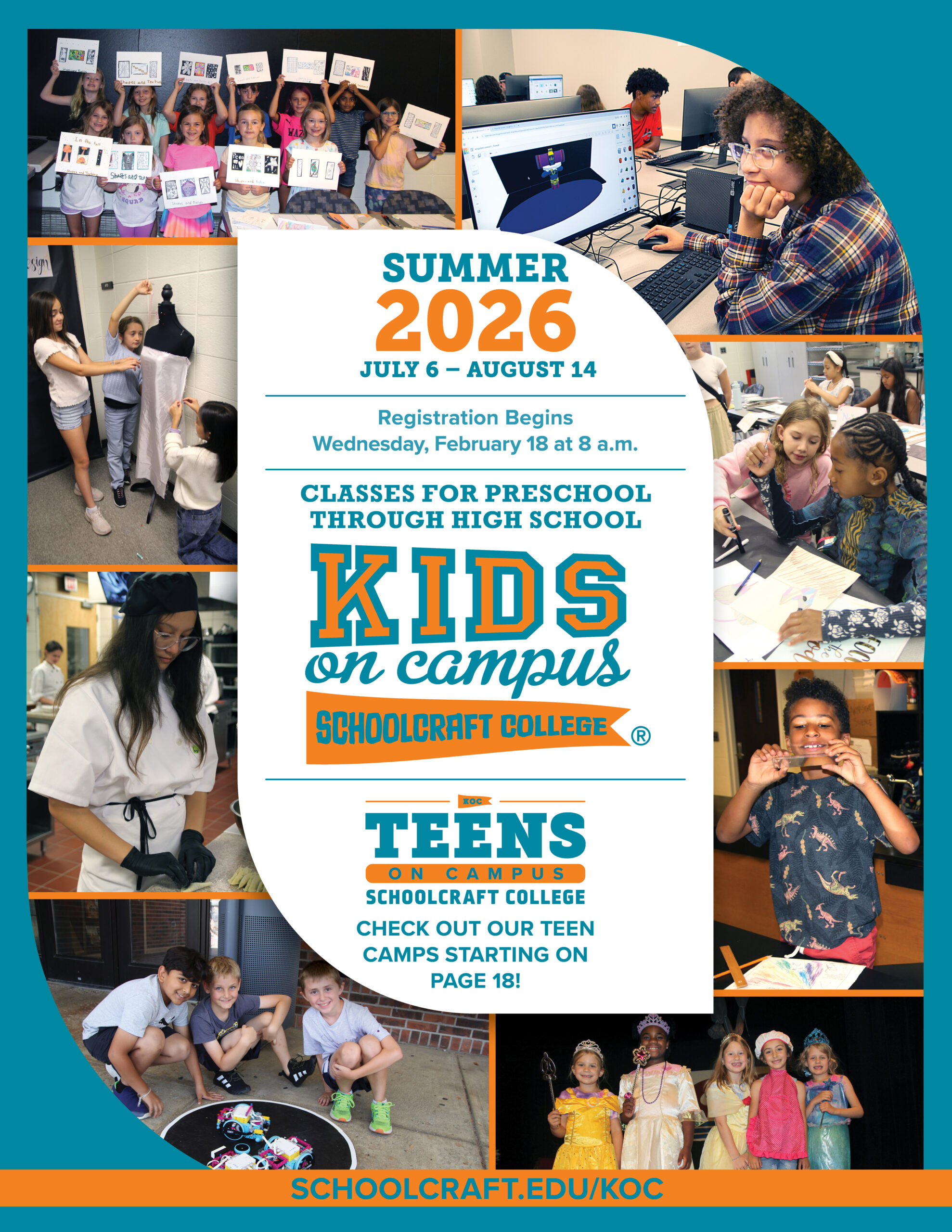
Kids on Campus
We have exciting educational opportunities for children pre-school age through grade 12.

Online & Virtual Classes
Our online classes include leisure, professional development, and certificate programs.
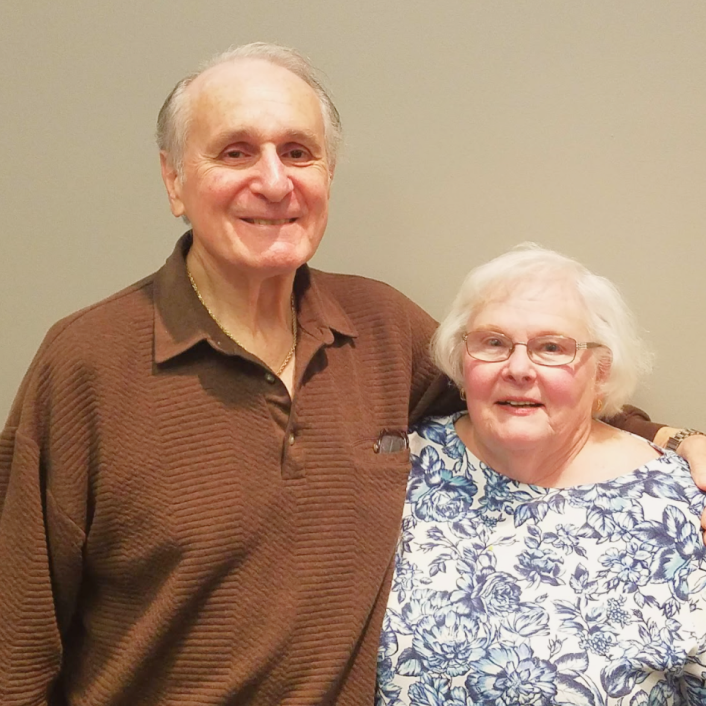
“I believe you can never learn enough. Our advice would be to keep on learning because it keeps the mind going. Taking classes has given us something to always look forward to, and as long as classes are offered, we’re going to continue to take them.”
How to Get Started
Decide
Review the latest PPL catalog and note your choices.
Register
Go to Ocelot Access to register and pay for your classes.
Attend
You’ll receive confirmation of your selections.
We’re Here to Help
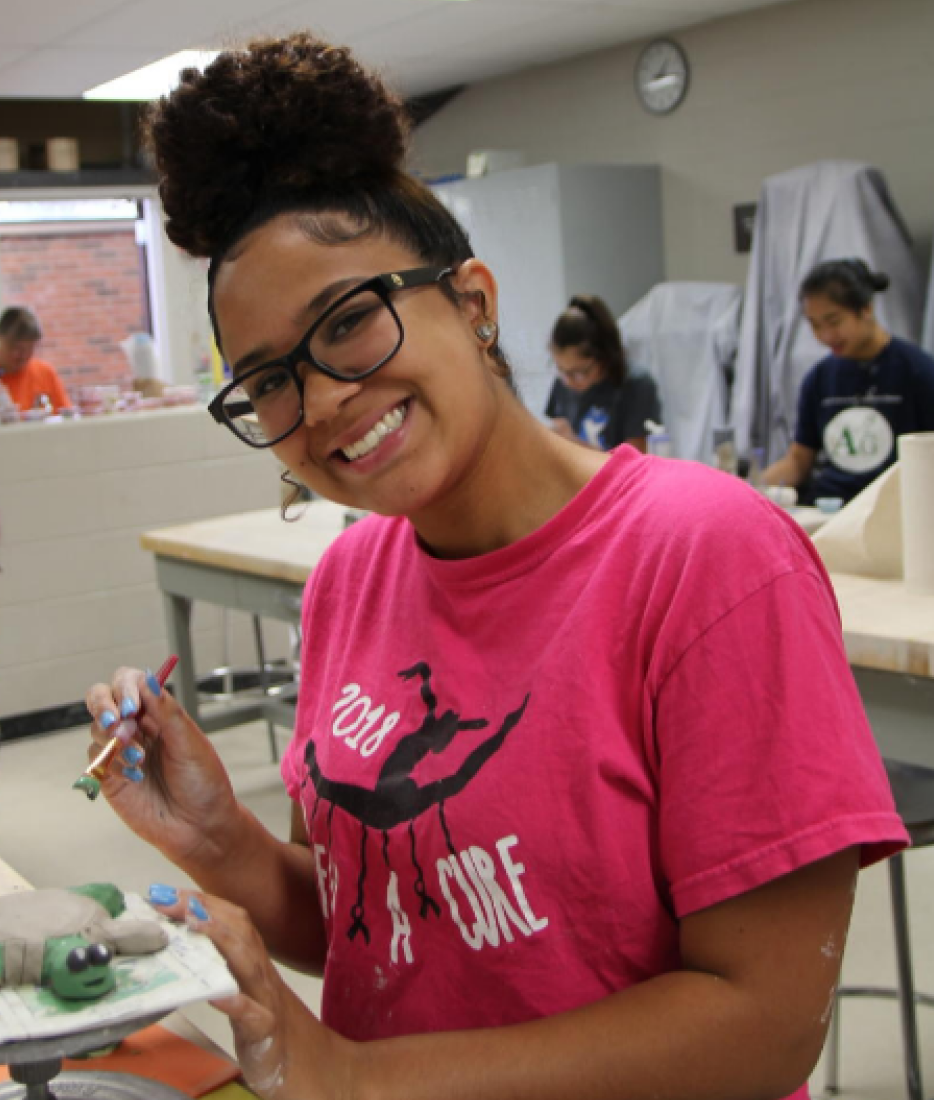
Pursue personal interests, hobbies, and activities.
Love to cook, do yoga, or maybe you’re interested in learning more about creative design or photography? Explore a personal enrichment class at Schoolcraft College! From aquatics classes to art, firearm and safety training, music and more, we have the courses and programs available to help you achieve your personal goals.
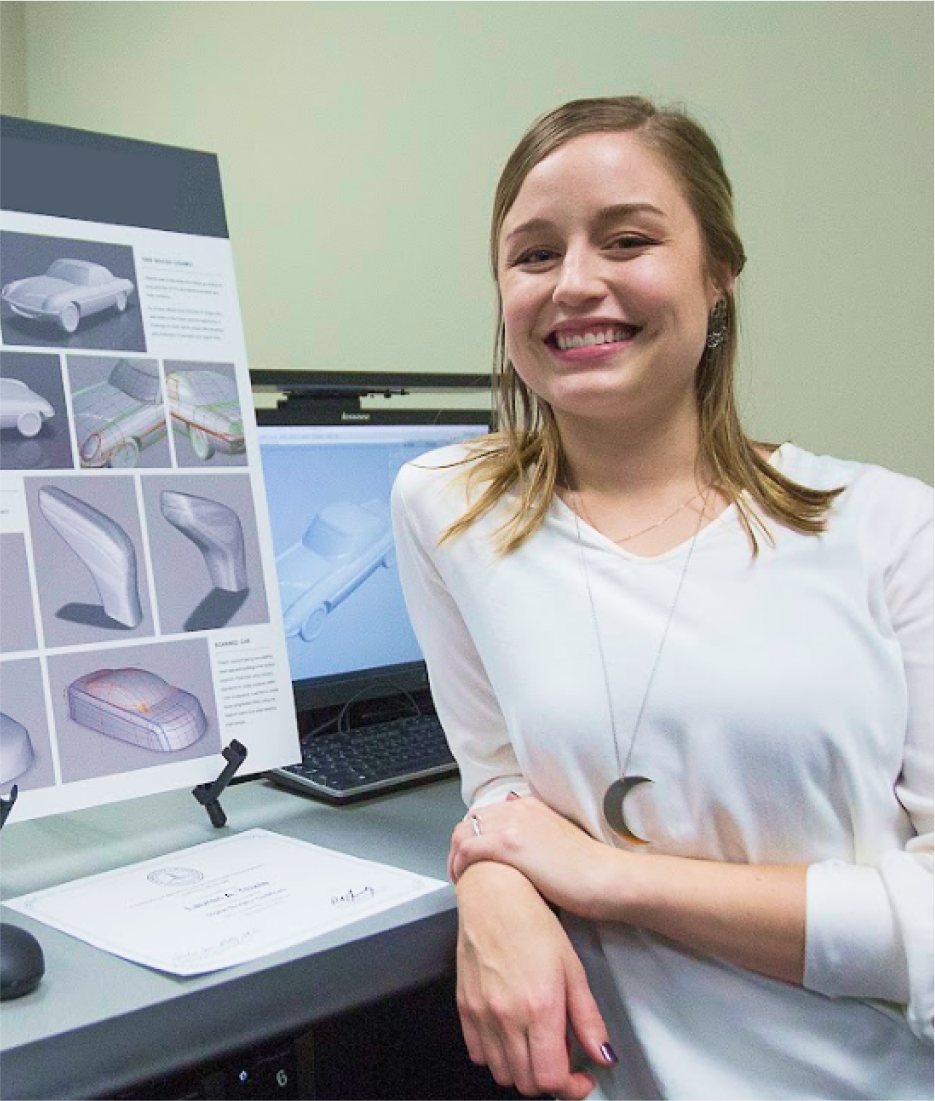

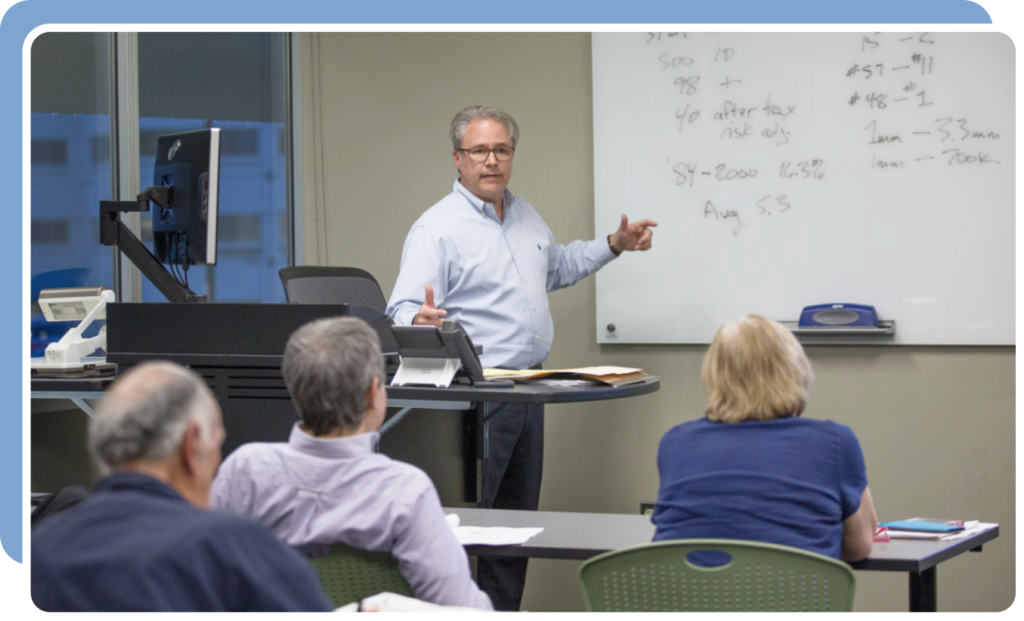
Teach for PPL
Share your talents and knowledge with PPL students! We’re always looking for great instructors to join our outstanding team.